VDM APP
VidMate

Download Music Fast with a Free MP3 Music Downloader App

VidMate gives Android users a cleaner way to save songs, audio clips, and music tracks for offline listening. If you need a music downloader app that feels free, quick, and easy to repeat every day, this page shows exactly how it works.

Free and Unlimited DownloadsHigh-quality MP3 outputDownload music to phone in minutesWorks for 2026 Android users
Download Music Downloader APP

Free MP3 downloads, quick setup, and offline playback for Android.

Illustration of a music downloader app with offline playlist and Android phone
MP3 downloader
Fast offline audio

Keep songs ready for flights, gym sessions, study time, and daily commutes.

Free music downloader
Unlimited saves

Built for people who download often and want the process to stay easy.

Typical flow
Search, choose MP3, save
3 simple steps
1Find the song
2Pick audio quality
3Play offline

See how your offline music routine gets easier

We know you are not looking for another noisy tool. This short video walks you through the calmer path: finding a song, choosing MP3, saving it fast, and keeping safer habits while you build a library you can trust on the go.

45-second overviewOffline-first workflowSafer download checklist

A music downloader app built for everyday listening

VidMate helps you turn a simple search or shared link into an offline playlist you can actually rely on. If you commute, travel, work in low-signal areas, or just want your favorite tracks saved before a long day, this music downloader app gives you a clean path from discovery to playback. Instead of bouncing between slow web tools, popup-heavy converters, and apps with hidden limits, you can keep everything in one place and download music to your phone quickly.

Free MP3 downloads without the usual friction

Many users search for a free music downloader because they are tired of trial walls, forced accounts, and fake download buttons. VidMate focuses on the basics that matter: clear actions, reliable download flow, fast MP3 delivery, and enough flexibility to save songs for workouts, study sessions, flights, and weekend trips. It is especially useful when you want a mp3 music downloader app that feels lightweight but still handles high-quality audio fast.

How to download music quickly

Step 1

Find the song or music video you want

Open VidMate, search your favorite song, or paste a supported media link. The app keeps the first step simple so users who are new to MP3 downloads do not get lost.

Step 2

Choose MP3 and quality settings

Pick the audio format you want, review the available quality options, and confirm the file details before downloading. This makes it easier to balance storage, speed, and audio quality.

Step 3

Download music to your phone and play offline

Tap download and save the file to your Android device. Once finished, your music is ready for offline playback, repeat listening, or organizing into your own library.

Why users pick VidMate for music downloads

01

Free and unlimited downloads

No paid gate is required for the main workflow. If your goal is to save tracks regularly, VidMate keeps the experience open and repeatable.

02

High-quality audio fast

When people search for a mp3 downloader, they usually care about speed and clean output. VidMate is designed to move from selection to saved audio without making the process feel heavy.

03

A practical mp3 music downloader app

The interface is approachable for casual users, but strong enough for anyone building a larger offline music library across daily routines.

04

Useful for travel, study, gym, and backup listening

Saved files are ready when your network is weak, your data plan is limited, or you simply prefer to listen without interruptions.

05

Download music to phone with fewer steps

The flow is shorter than the average copy-convert-download loop, which helps reduce errors and gets new users to their file faster.

06

Works alongside VidMate video tools

If you already use VidMate for videos, the music workflow feels familiar. That consistency makes switching between media formats easy.

Legal alternatives to VidMate

Choosing licensed services is still the safest way to access music and support creators. If users want dependable offline listening with fewer security and legal concerns, mainstream licensed platforms should be part of the decision set.

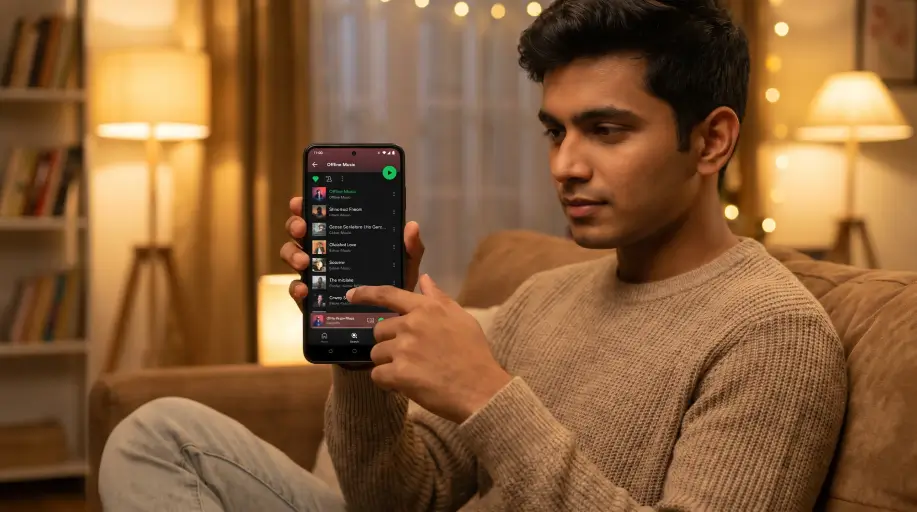
Listener using licensed music platforms on phone and laptop
1

Spotify, Apple Music, and Amazon Music offer licensed access to large libraries, offline listening options, and platform policies that compensate artists.

2

iTunes remains a straightforward option when users want to purchase tracks directly instead of depending on uncertain download sources.

3

Bandcamp is especially useful for listeners who want to support artists more directly while still building a personal collection.

4

Ad-supported plans from major streaming platforms can also be a safer alternative when fully free access matters more than owning files.

Ethical music download practices

Respecting artists and the broader music ecosystem matters. Even when free downloads feel convenient, a few practical habits can reduce harm to creators while lowering legal exposure for users.

Use licensed streaming services or buy music whenever possible so artists receive compensation.

Look for tracks released under licenses that clearly allow downloading, such as Creative Commons, before saving them.

Avoid sharing or redistributing copyrighted files without permission to reduce legal risk and avoid harming creators.

When the source or license is unclear, treat buying or streaming through a licensed platform as the safer choice.

In short, legal and ethical habits mean choosing licensed platforms, buying music when appropriate, and checking licensing before saving tracks. That approach supports the artists and platforms people enjoy while minimizing avoidable risk.

Finding and downloading music safely on VidMate

When using VidMate or similar download sites, safety should come first. Third-party results can sometimes include malicious files, misleading links, or aggressive ads, so the goal is not just getting an MP3 quickly. The goal is getting it without exposing your device, your data, or your privacy to unnecessary risk.

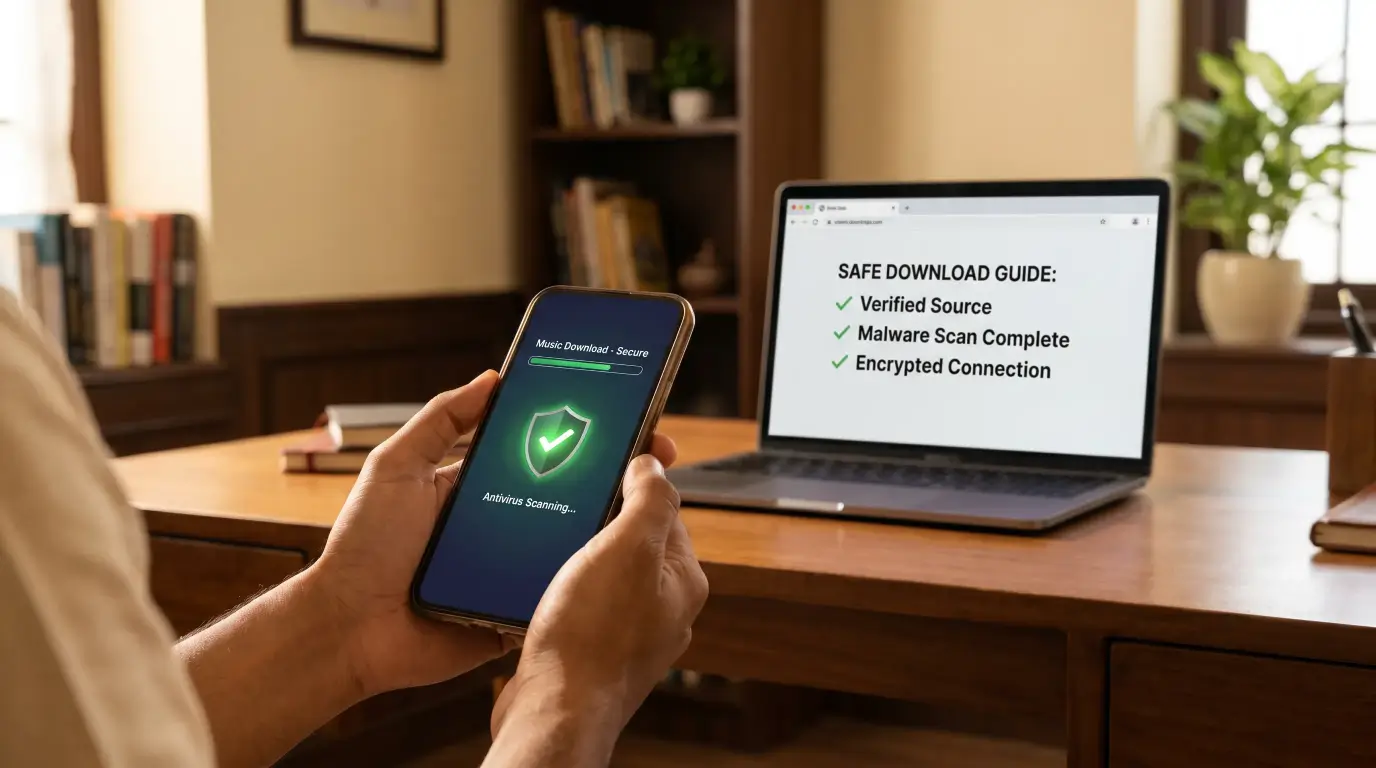
Start with reliable security tools: keep antivirus or endpoint protection updated, scan every file before opening it, and use a modern browser with pop-up and tracker protections enabled. If a source feels uncertain, downloads are safer in a sandboxed environment, a virtual machine, or a separate user profile than on your primary setup.

Safe music downloading illustration with antivirus scan, Android phone, and security shield
1

Keep antivirus or endpoint protection active and scan every downloaded file before opening it.

2

Use a modern browser with pop-up blocking and tracker protection enabled during downloads.

3

Check the file extension and size before saving. Legitimate MP3 files should usually use the .mp3 extension and have a file size that makes sense for the track length.

4

Avoid anything that asks you to run executable files such as .exe or .bat files when you expected music.

5

Inspect the link source, result title, and expected duration before downloading, and prefer options that look consistent and reputable.

6

Use the site's own conversion flow instead of unknown popups, aggressive ads, or external tools that promise unlimited downloads.

7

If you are unsure about a source, test downloads on a non-primary device, in a separate user profile, or in a virtual machine first.

A simple safety habit that covers most cases

Keep a short checklist every time you download: antivirus on, extension and file size checked, source verified, and license considered. If anything feels unclear, switch to a licensed offline option such as Spotify, Apple Music, Amazon Music, or Bandcamp. That choice removes many of the usual security concerns while still respecting artist compensation.

Common use cases

Students and commuters

Save lectures, remixes, or playlists before leaving Wi-Fi so your listening is still ready on the subway, bus, or campus walk.

Workout listeners

Build an offline gym playlist that does not depend on signal quality inside crowded spaces or underground training rooms.

Travelers with limited data

Download music to your phone before flights, road trips, or cross-border travel to avoid buffering and roaming costs.

Users replacing old download tools

If your last mp3 downloader became unstable or cluttered, VidMate offers a more direct 2026-ready alternative.

A Calm Trip Starts with Music Ready Offline

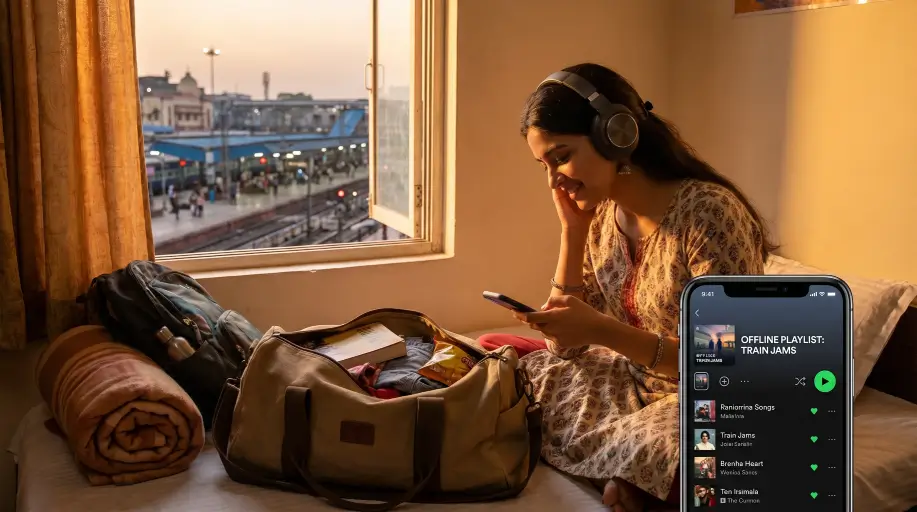
Late one evening, a college student named Asha was packing for a long train ride home. Her playlist was spread across tabs, short links, and half-working tools, and the station on her route had a reputation for weak mobile data. She only wanted a calm trip with familiar songs, but the usual download sites kept throwing delays, bad buttons, and unfinished files at the worst moment. After switching to VidMate, she searched once, picked MP3, saved the tracks she needed, and left for the station without that low-grade panic. The next morning, her music was already on her phone, offline and ready, turning a stressful scramble into a quiet, easy routine.

Indian student preparing for a train trip with offline music ready on her phone
Offline moment
Music ready before the signal disappears

A practical music downloader app matters most when you need reliability before the trip, not excuses during it.

FAQ
FAQ itemWhat is a music downloader app used for?Toggle answer
A music downloader app helps you save songs or audio files to your device so you can listen offline later. VidMate focuses on a simple Android flow for people who want fast MP3 downloads without a confusing setup.
FAQ itemIs VidMate a free music downloader?Toggle answer
Yes. VidMate is positioned as a free music downloader with unlimited core download access, which is helpful for users who save songs regularly instead of only once in a while.
FAQ itemCan I use VidMate as a mp3 music downloader app?Toggle answer
Yes. VidMate supports a practical MP3-focused workflow, making it a useful mp3 music downloader app for users who prefer offline audio on Android phones.
FAQ itemHow do I download music to my phone?Toggle answer
Open VidMate, search or paste the media source you want, choose MP3 or the audio option you prefer, and tap download. After the file is saved, you can play it offline directly from your phone.
FAQ itemHow to download Instagram videos?Toggle answer
If you want to save Instagram videos, Reels, or similar clips, use VidMate's dedicated video workflow instead of the music page. Start from the source link, choose the correct format, and then save the file you need.
FAQ itemCan I download Reels in HD?Toggle answer
Yes, HD Reel downloads depend on source quality and the specific media option available. For video-first tasks, VidMate's video downloader page explains the HD-saving flow more clearly.

Ready to build your offline music library?

VidMate brings together the keywords users actually care about: a free music downloader, a practical mp3 downloader, and a smooth way to download music to your phone without wasting time. Start with the app download, or explore the video workflow if your next task is saving clips instead of audio.